

Understanding Teams
Problem: How do I organize my cloud resources and collaborate with others? Teams are the top-level organizational structure in Strettch Cloud. Every resource you create—compute instances, DNS zones, and more—belongs to a team.How Teams Work
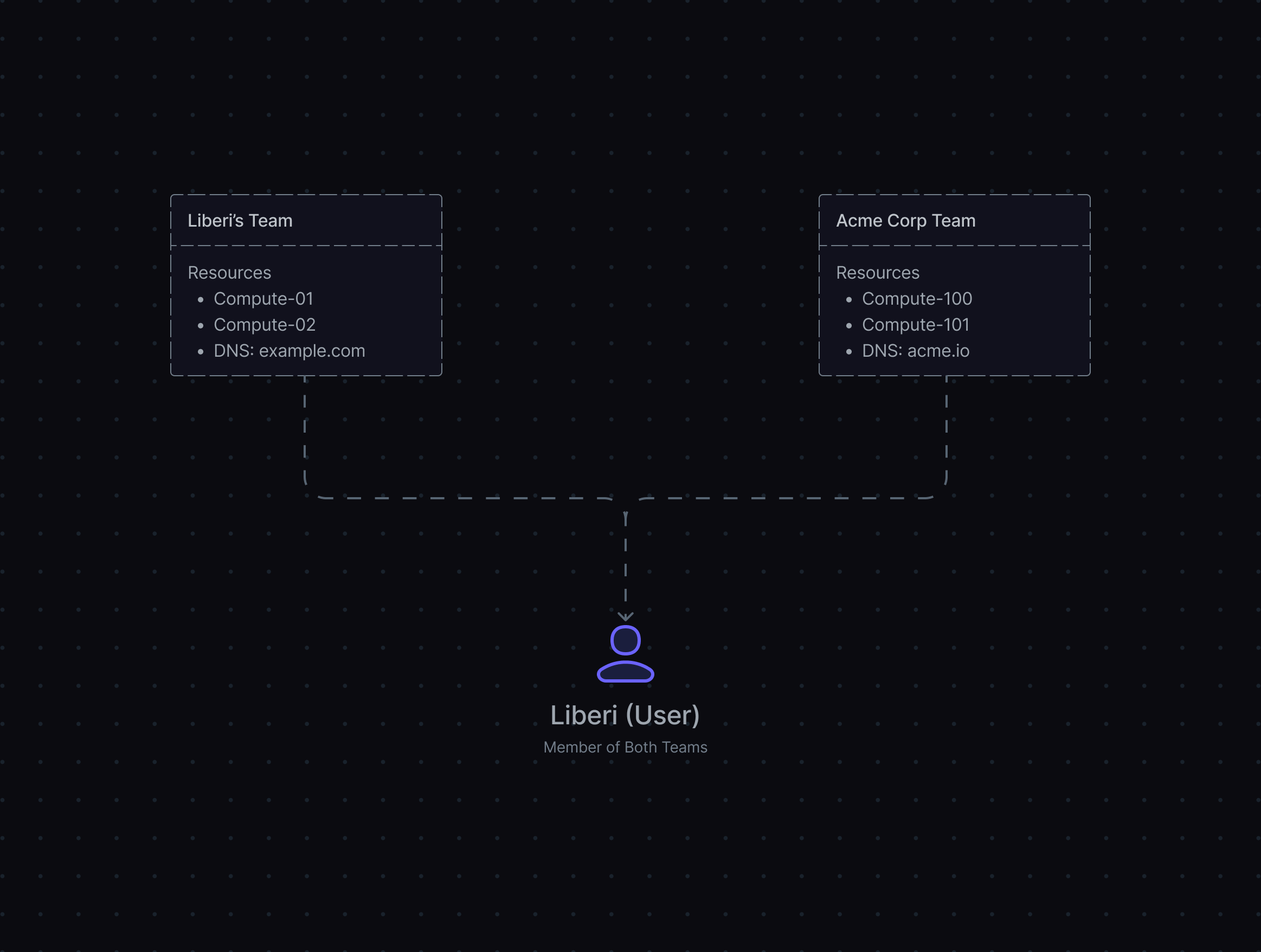
When you create your first account, Strettch Cloud automatically creates a default team for you, named after your first name (for example, “Liberi’s Team” if your name is Liberi). You can create additional teams or join existing ones to collaborate with other users. Team Structure with Multiple Teams: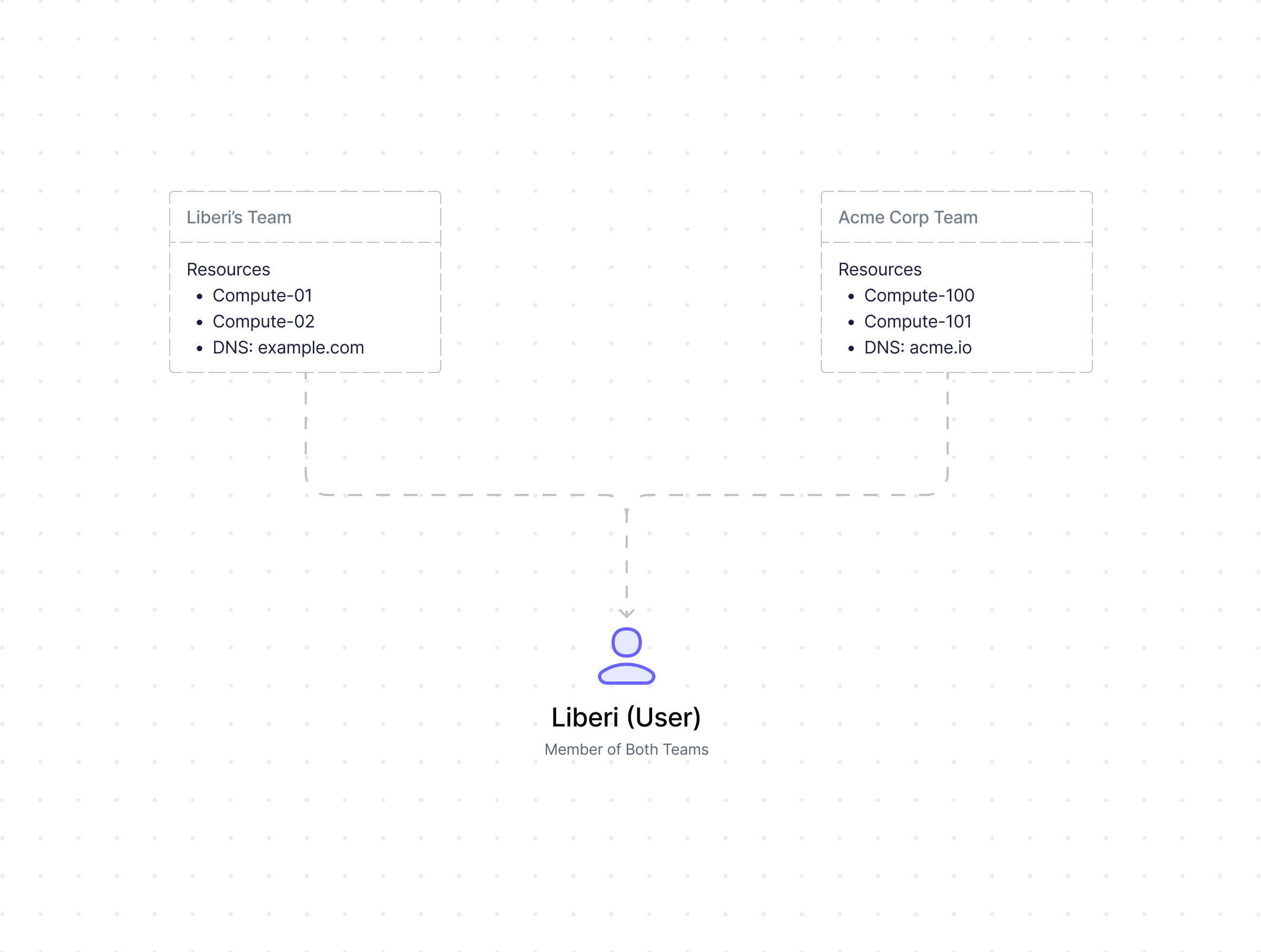
Key Team Principles
- Resources belong directly to teams: There is no intermediate project layer. When you create a compute instance or DNS zone, it belongs to the team.
- Users can join multiple teams: You can be a member of several teams simultaneously, each with its own resources and billing.
- Teams have roles: Teams include roles (owner, admin, member) to control who can manage resources. See the Teams documentation for details on permissions.
- Teams are isolated: Teams cannot share resources or billing with each other. Each team operates independently.